- © 2026 AnswerSolutions LLC
- Home
- Agents At Work
- Privacy Policy
- Terms
- Support

Agents At Work
Your AI agents are working. You don't have to babysit them.
Why Agents At Work?
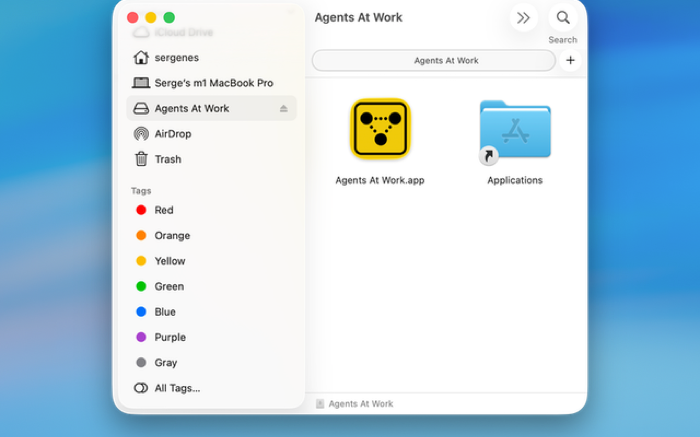
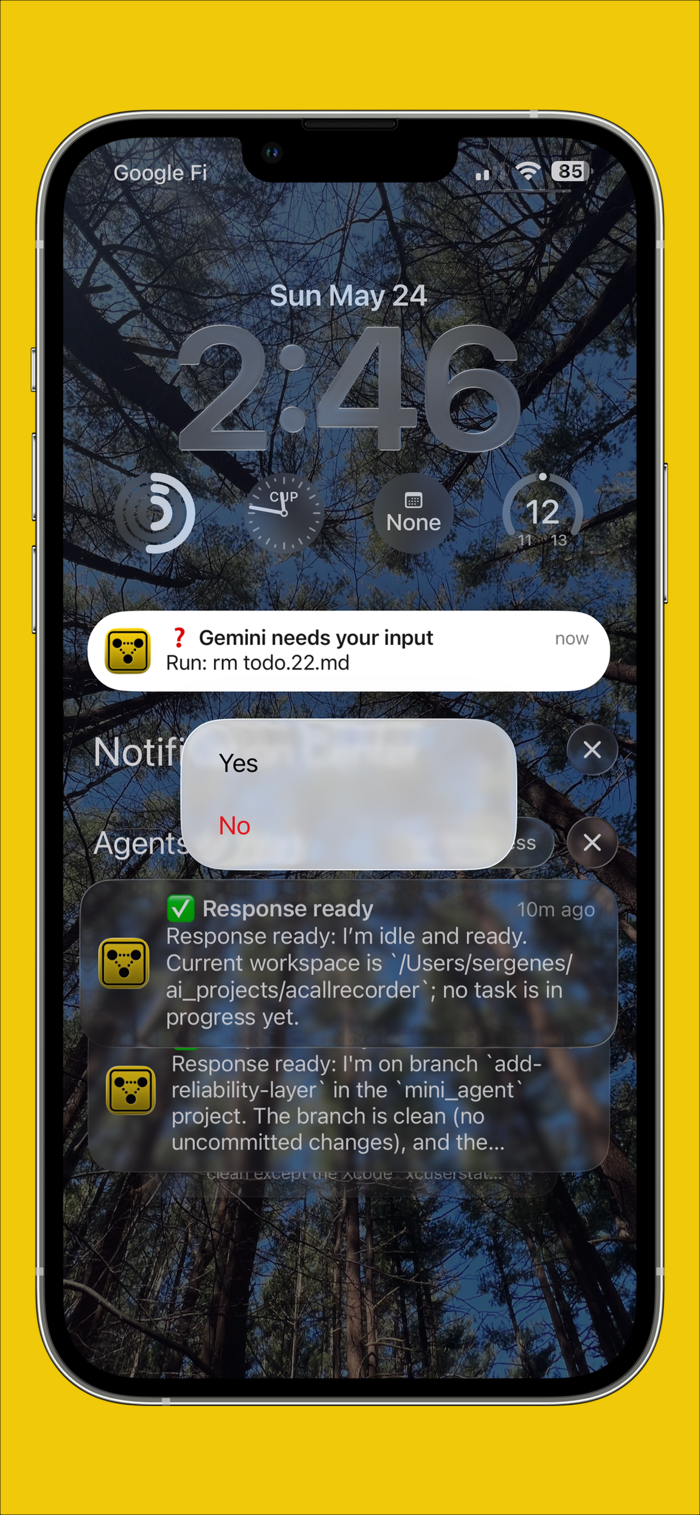
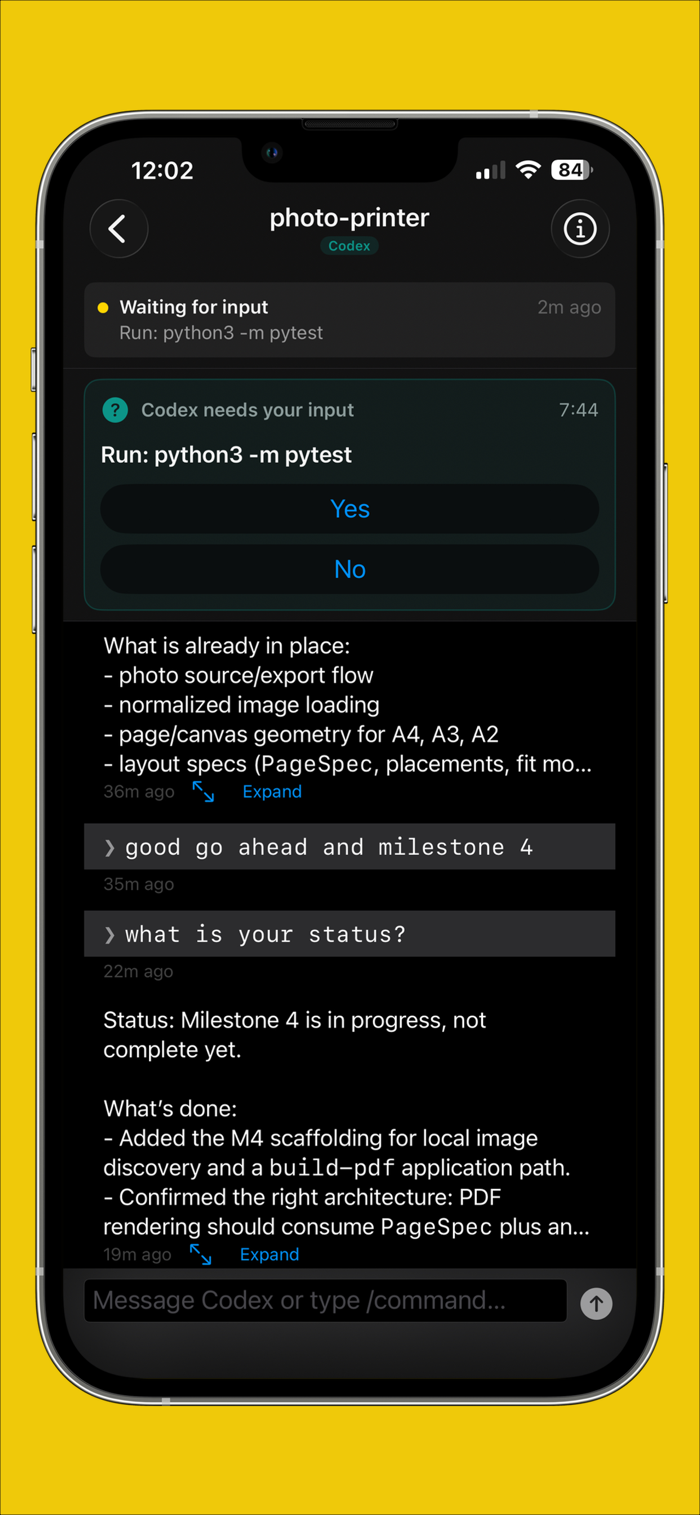
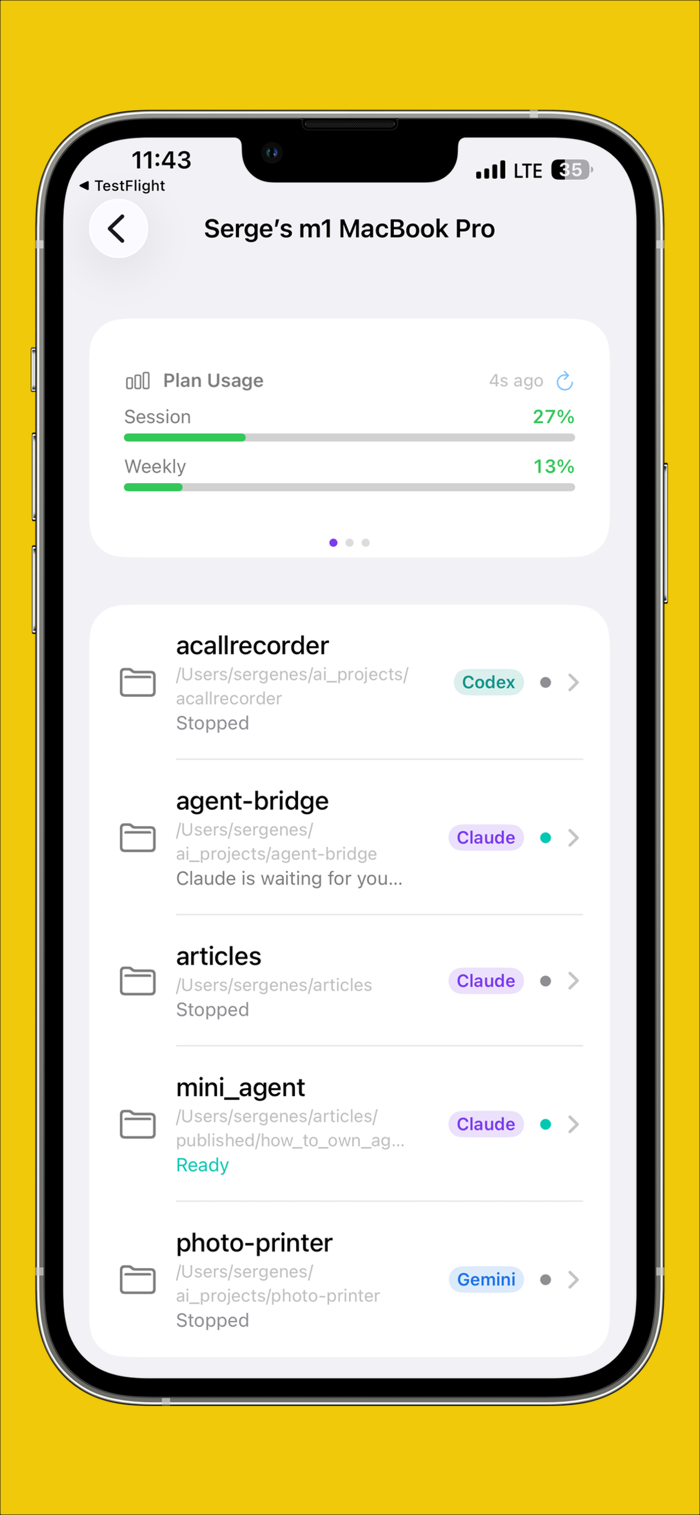
Agents At Work lets you watch and steer Claude Code, Codex, Gemini CLI, Grok, Cursor, and Scoot from your phone, wherever they run: on your Mac or on a Linux machine. When an agent finishes a task, hits an error, or waits for your permission, your phone lets you know. Approve a tool call with one tap, answer a question, send a new prompt, or schedule one for later.
There is no account to create. Your phone pairs with your computer by scanning a QR code, and that same scan sets up end-to-end encryption: only your computer and your phone can read your prompts and responses.
The engine that runs on your computer is open source, MIT licensed, on GitHub and PyPI. The Mac app is free and notarized by Apple, and on Linux one command installs everything. One computer is free; the Personal and Pro plans follow up to 3 or 15 computers.
SET UP YOUR COMPUTER, MAC OR LINUX
CONTROL YOUR AGENTS FROM IPHONE, IPAD, OR ANDROID


The tutorial, pricing, the changelog, and the open-source engine live at agentsatwork.app.
- © 2026 AnswerSolutions LLC
- Home
- Agents At Work
- Privacy Policy
- Terms
- Support